Start with the learning question
Typing can interrupt learning, and students may understand an oral explanation more easily in Marathi, Hindi or English.
Typing can interrupt learning, and students may understand an oral explanation more easily in Marathi, Hindi or English.
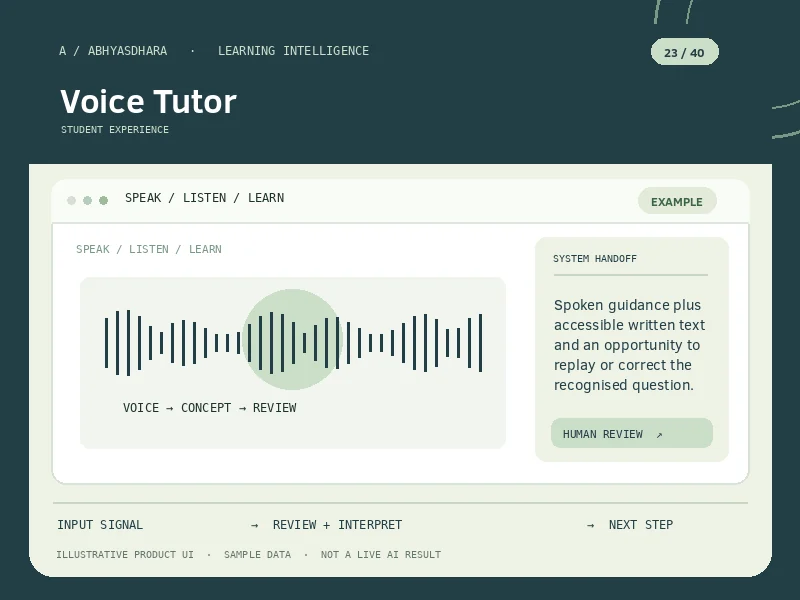
Supports spoken questions and spoken explanations in the learner’s language.
Transcribe the question, clarify ambiguous phrases, create an explanation and speak the answer in short checkpoints.
Explore all 40 feature visuals →Typing can interrupt learning, and students may understand an oral explanation more easily in Marathi, Hindi or English.
Transcribe the question, clarify ambiguous phrases, create an explanation and speak the answer in short checkpoints.
Spoken guidance plus accessible written text and an opportunity to replay or correct the recognised question.
Review the sequence from input to reviewable output.
Typing can interrupt learning, and students may understand an oral explanation more easily in Marathi, Hindi or English.
Microphone input with consent, chosen language, lesson context and optional transcript confirmation.
Transcribe the question, clarify ambiguous phrases, create an explanation and speak the answer in short checkpoints.
Spoken guidance plus accessible written text and an opportunity to replay or correct the recognised question.
Example only. This is not live customer data or an AI-generated result.
During revision, a learner asks aloud why a ratio must be simplified; the tutor responds with a spoken worked example.
No continuous listening should be implied. Voice input needs permission, privacy controls and awareness of speech-recognition error.
No continuous listening should be implied. Voice input needs permission, privacy controls and awareness of speech-recognition error.
Illustrations are not live AI output or evidence of tested accuracy.